WoT Battle Board: HD minimaps
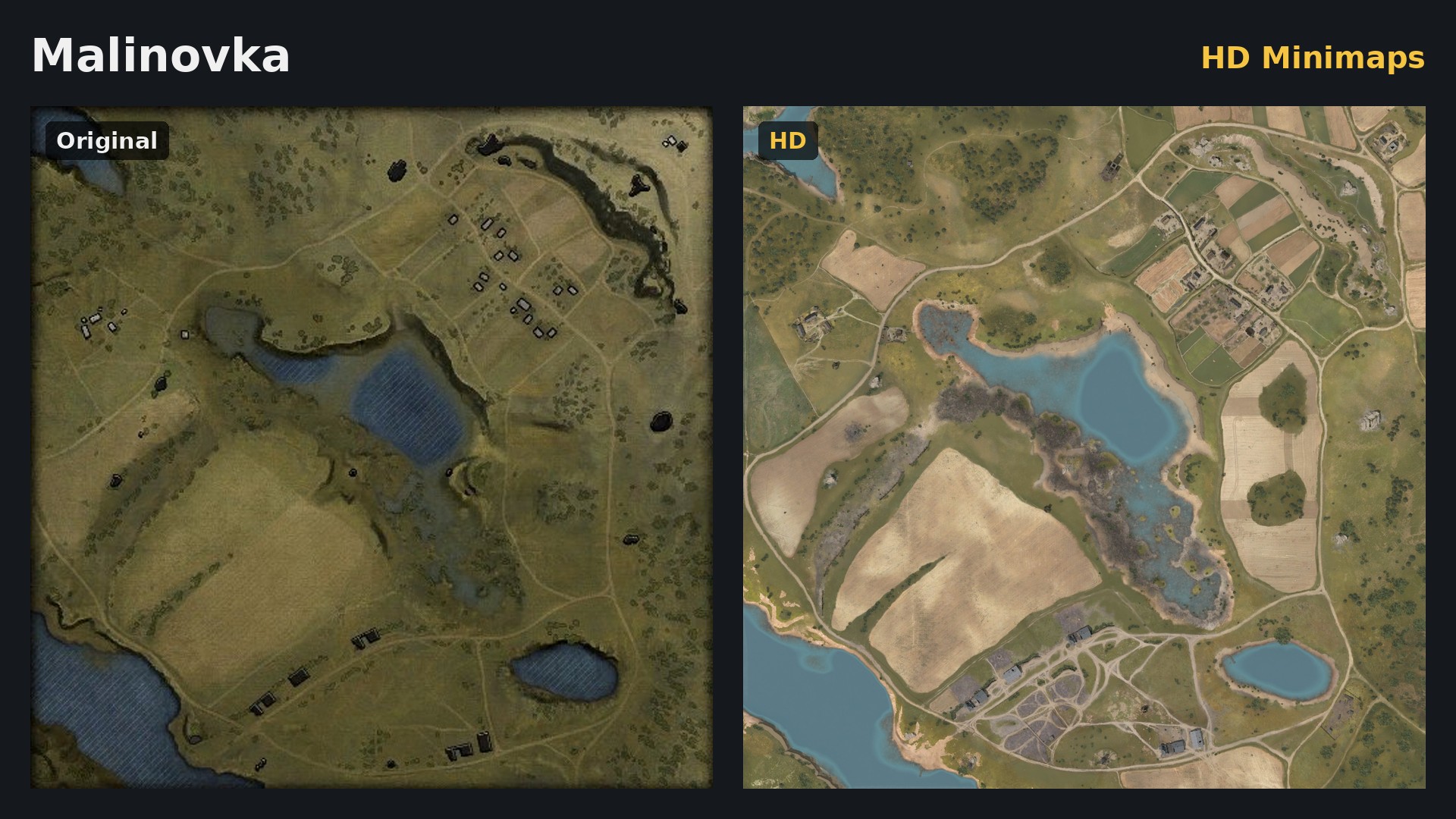
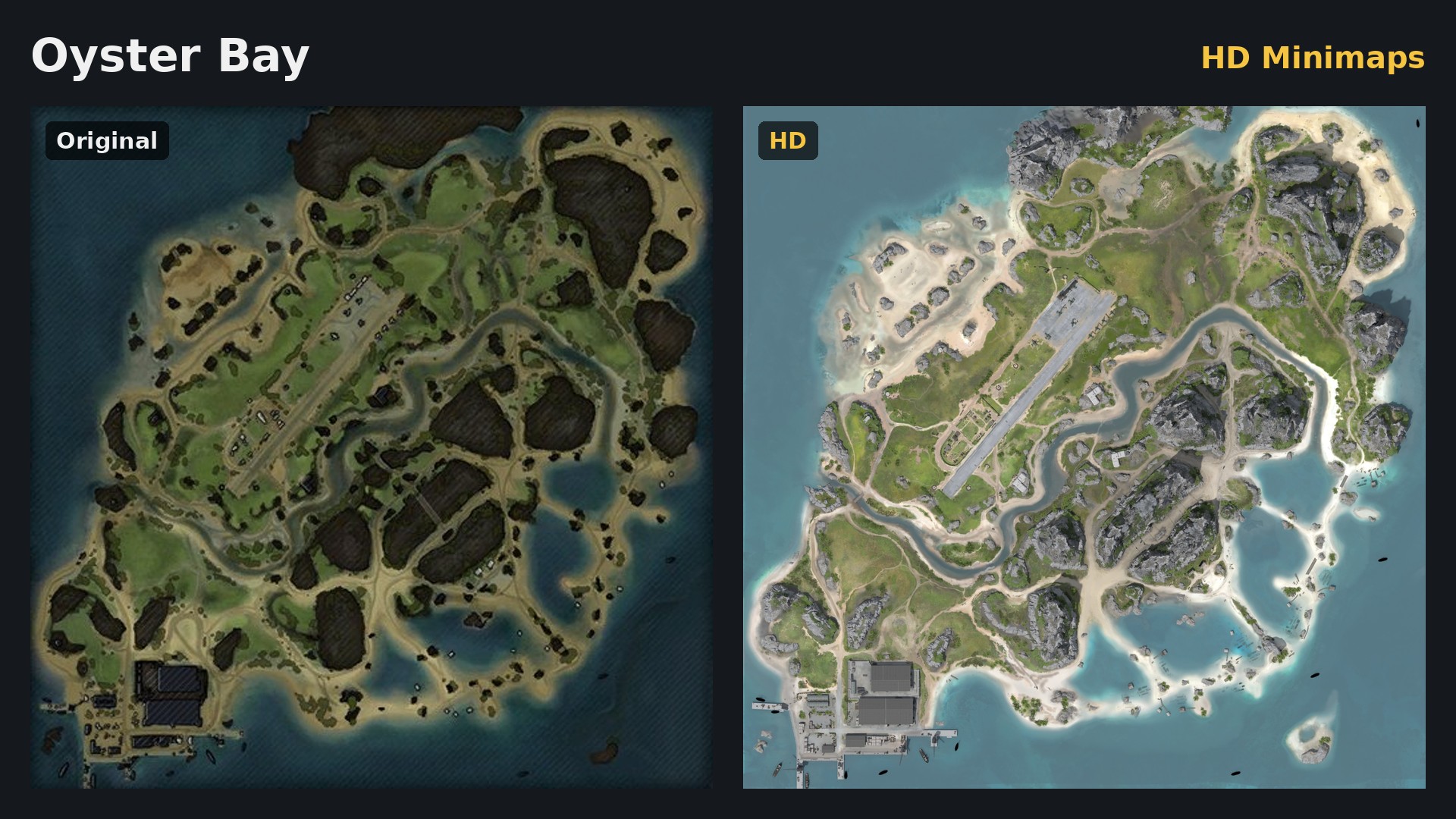
Minimap backgrounds rendered in 3D from the game maps (terrain, vegetation, buildings, water).
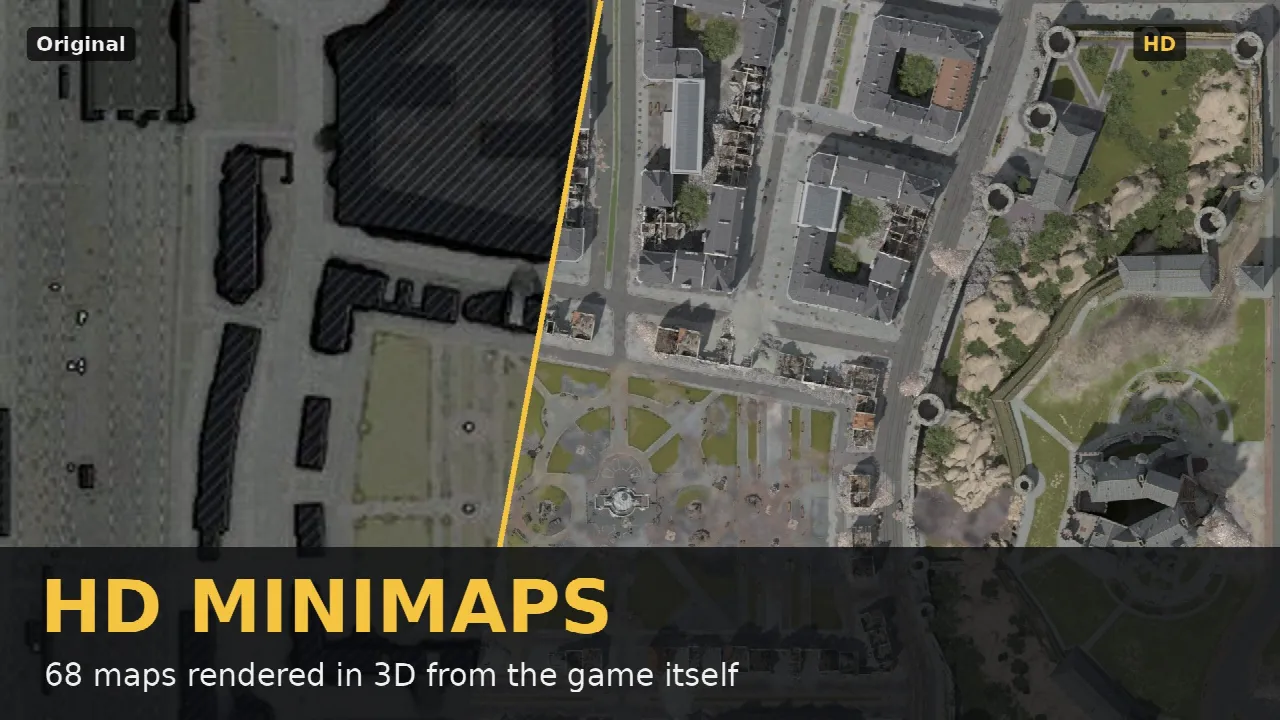
Download WoT Battle Board: HD minimaps 1.0.2
For World of Tanks 2.4.1.1
com.charlyecho.minimap_hd_1.0.2.wotmod, 136 MB
Released on
Screenshots
Releases
-
Version 1.0.2 (latest)
Released on · World of Tanks 2.4.1.1 · 136 MB
- Covered passages are now shown through their ceiling, so you can see where tanks can drive underneath:
- Airfield: the two passages under the central rock massif
- Canada: the railway and the trains under the tunnels
- Poland: the inside of the northern hangar
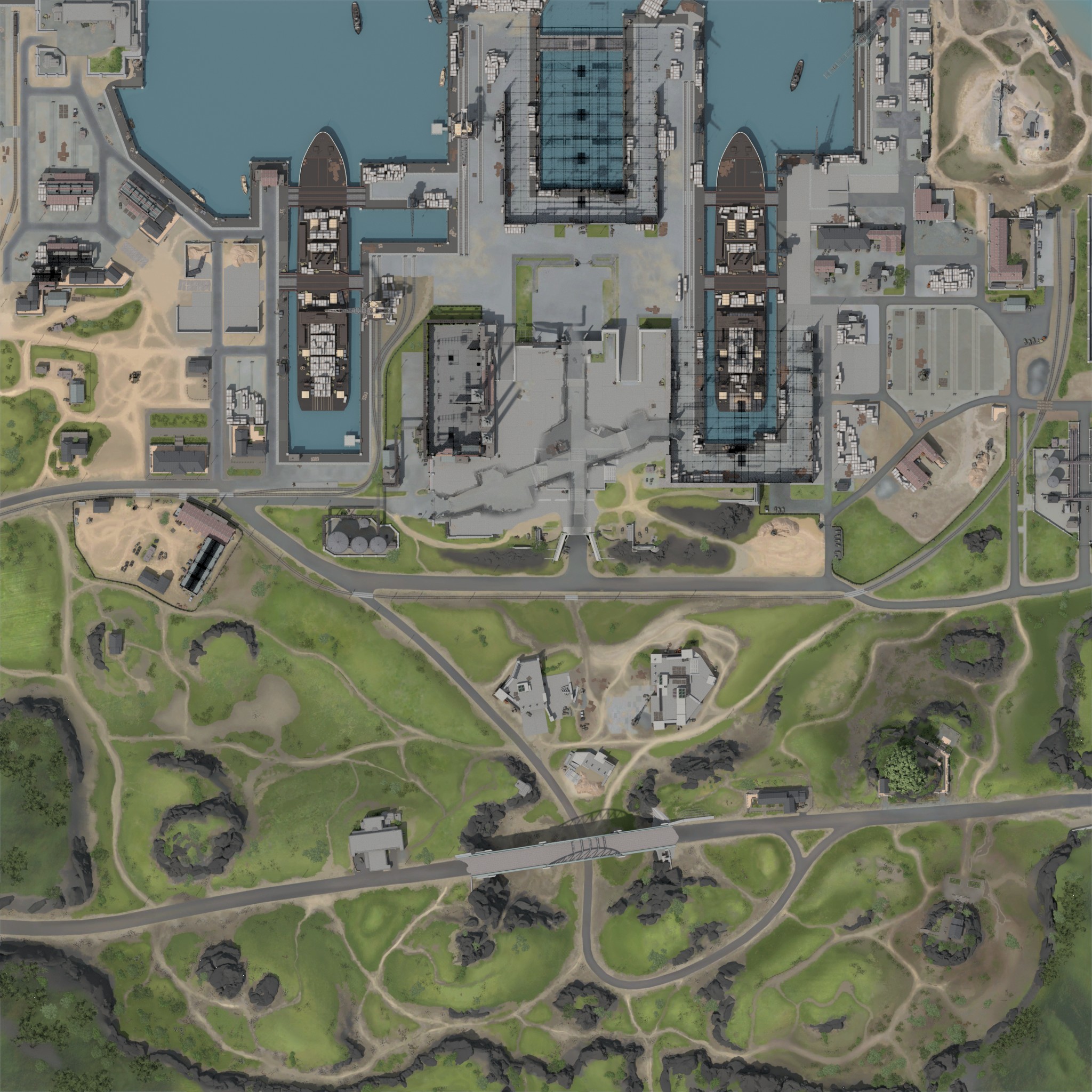
- Japort: the X-shaped passage under the drivable central roof
- Covered passages are now shown through their ceiling, so you can see where tanks can drive underneath:
-
Version 1.0.1
Released on · World of Tanks 2.4.1.1 · 136 MB
all render are 2048px